




















































Deleting a user may be necessary when the user is no longer needed. It may also be necessary when redistributing resources or changing user access rights.
Deletion instructions
Let's look at how to delete a user in Ubuntu using the GUI. This is one of the easiest and most accessible ways, which can be used by every system owner.
Open System Preferences:
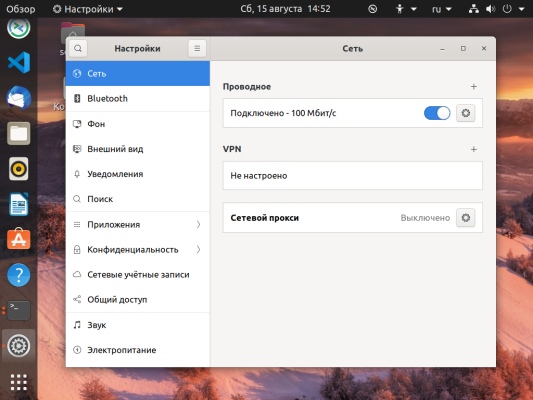
Next, click on the Users item:
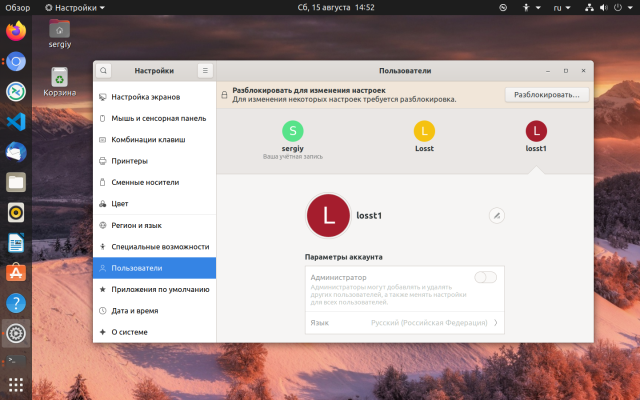
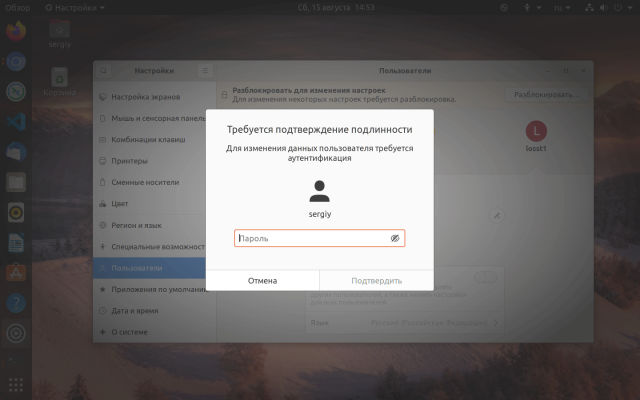
Now all actions are unavailable, and are drawn in gray. To activate them, click the Unlock button and enter the user's password.
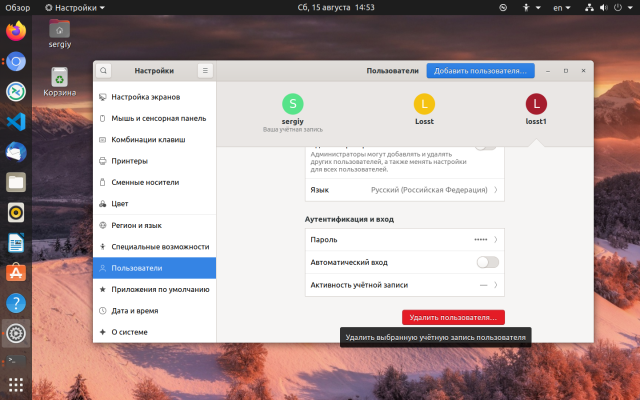
Next, to delete a user in linux is enough to click on it with the mouse, and then click at the bottom of the page click on Delete User:
In the window that opens, you can choose what you want to do with the user's files:
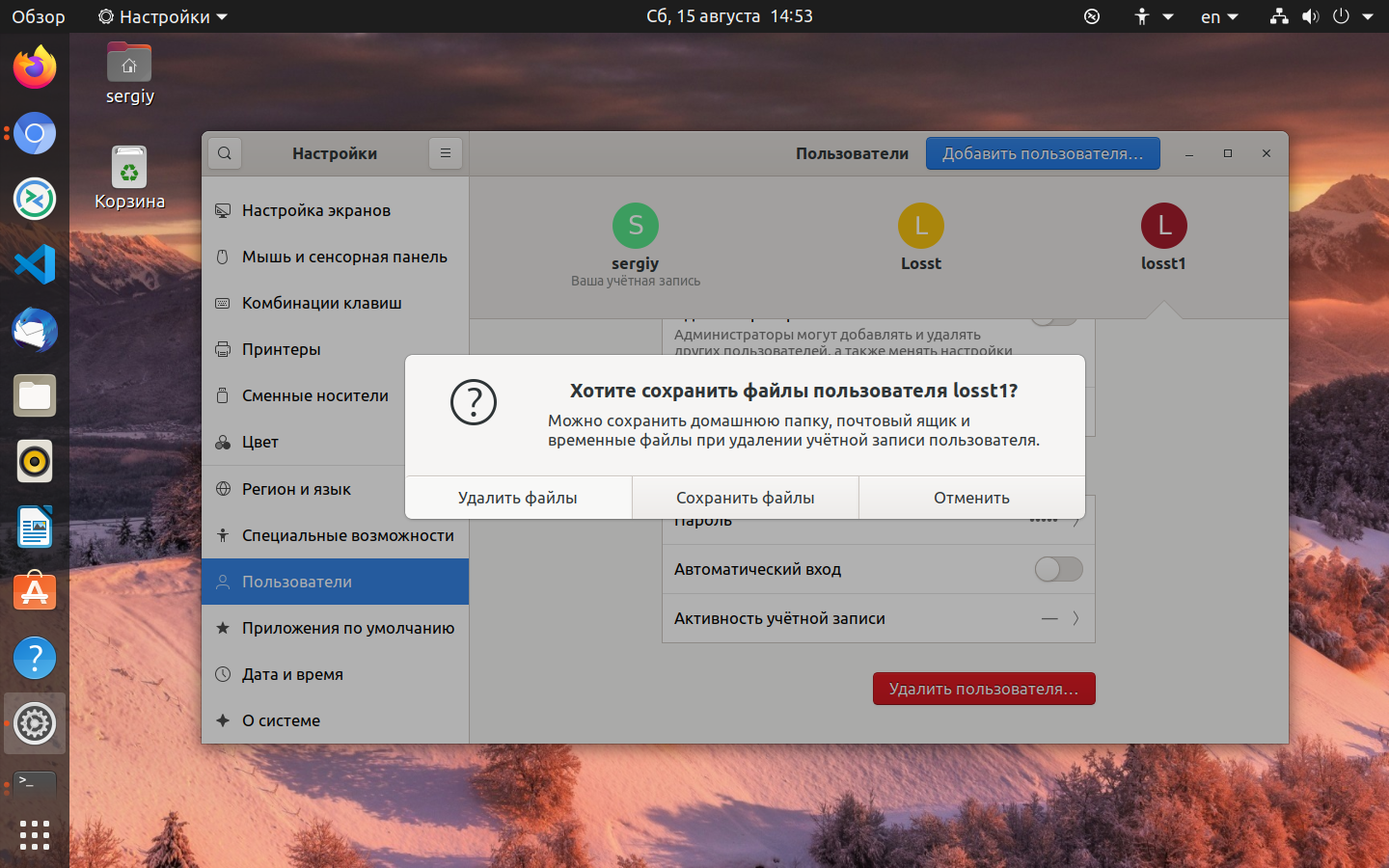
Naturally, only the home folder will be deleted, we are not talking about all files. And for correct deletion the user must be unlogged in the system.