




















































Skype in Ubuntu is a communication and video calling program that can be installed on the Ubuntu operating system. With its help, users can message, call and see each other over the Internet. Skype is one of the most popular online communication tools and is widely used for personal and business purposes.
How to install from the repository?
First, you need to install the apt-https-transport package:
sudo apt install apt-https-transport curlThen add the PPA repository of the program:
echo "deb [arch=amd64] https://repo.skype.com/deb stable main" | sudo tee /etc/apt/sources.list.d/skypeforlinux.listThen add the repository key:
curl https://repo.skype.com/data/SKYPE-GPG-KEY | sudo apt-key add -And update the package list:
sudo apt updateNow all we have to do is install skypeforlinux:
sudo apt install skypeforlinux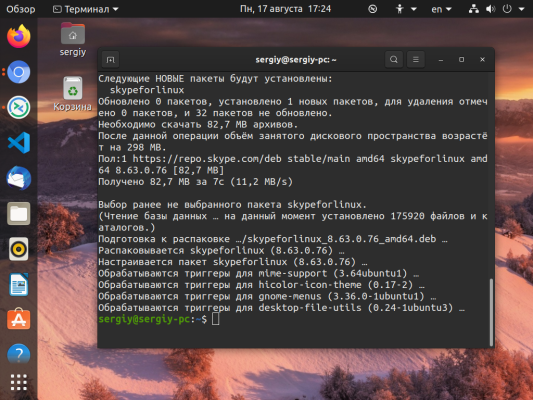
Run the program after the installation is complete from the main menu:

You will see the main window of the program:

The option of installing the program from the repository is more preferable because you will be able to receive updates automatically, as soon as they are released.