




















































The ln command in Linux is used to create hard or symbolic links to files or directories. A hard link creates a new name for a file or directory, pointing to the same index node (inode) in the file system. A symbolic link creates a new file that contains the path to the original file or directory.
What the ln command is for
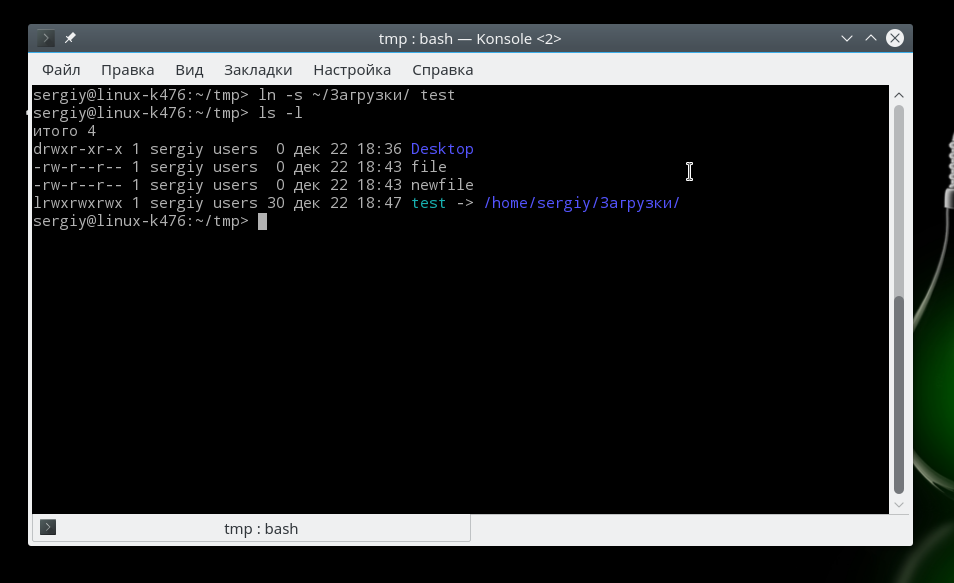
Syntax of the ln command:
ln [options] source_file/directory target_file/directoryOptions for the ln command:
-s: create a symbolic link
-f: overwrite the target file/directory if it already exists
-v: output detailed information about the link creation process
Examples of using the ln command
Creating a hard link:
ln file1.txt file2.txtThis will create a hard link file2.txt that points to the same file as file1.txt.
Creating a symbolic link:
ln -s file1.txt file2.txtThis will create a file2.txt symbolic link that points to file1.txt.
Creating a directory link:
ln -s /path/to/source_dir /path/to/target_dirThis will create a symbolic link to the source_dir directory in the target_dir directory.
Overwriting the target file/directory:
ln -f file1.txt file2.txtThis will create a hard link of file2.txt to file1.txt, even if file2.txt already exists.
Output detailed information:
ln -v file1.txt file2.txtThis will create a hard link of file2.txt to file1.txt and output information about the link creation process.