




















































OS bitness is required for the instruction set for the processor, these instructions will be used to work with the data and memory of the PC. There are two bit sizes - i386 (x32-bit) and x86_64 (x64-bit). x32-bit is obsolete and supports working with no more than 4 GB of RAM. x64-bit is more modern and is used everywhere. All processors support both architectures, but there are Linux distributions that no longer work together with x32-bit.
See the system's bitness
The easiest way to find out the bitness of Linux is to use arch.
The utility is executed like this:
$ arch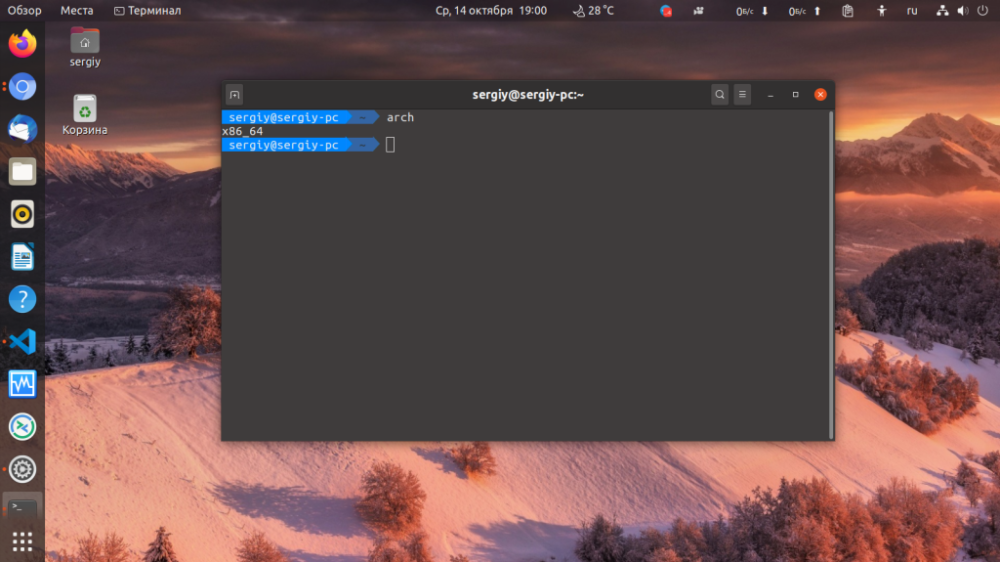
There is another command that outputs the Linux kernel architecture if you pass the -m option to it:
$ uname -m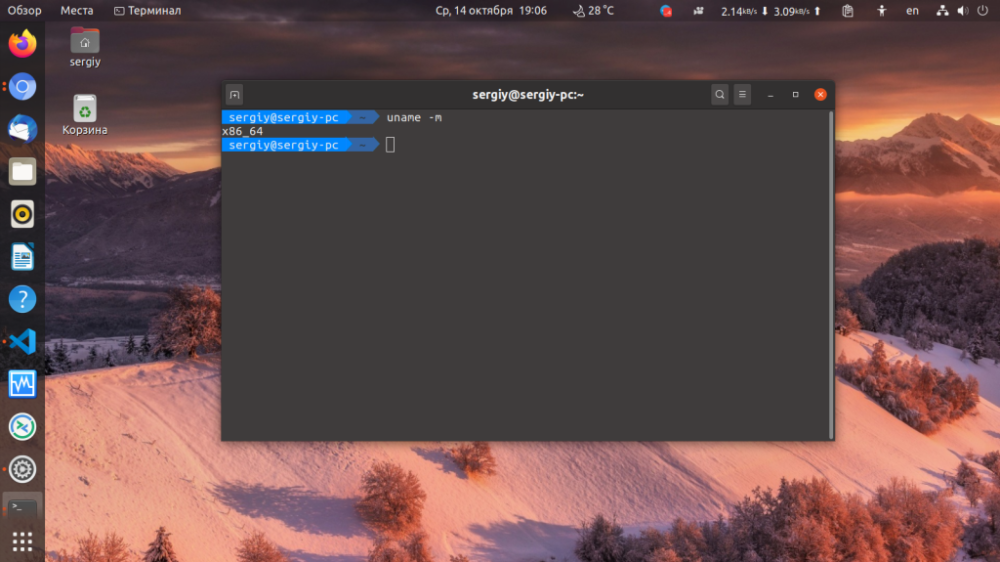
Another file command is a way to provide information about the files in the file system. Executable files view the architecture. By looking at the architecture of a system file, you will also find out the OS bitness. For example:
$ file /lib/systemd/systemd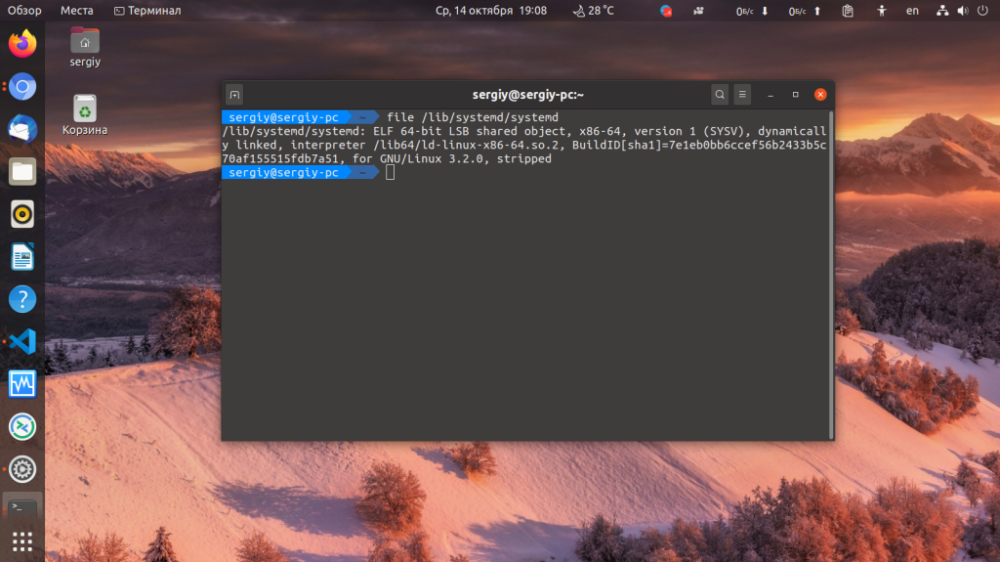
So you can find out the OS bitness and Settings, in Ubuntu there is a specialsection About System:
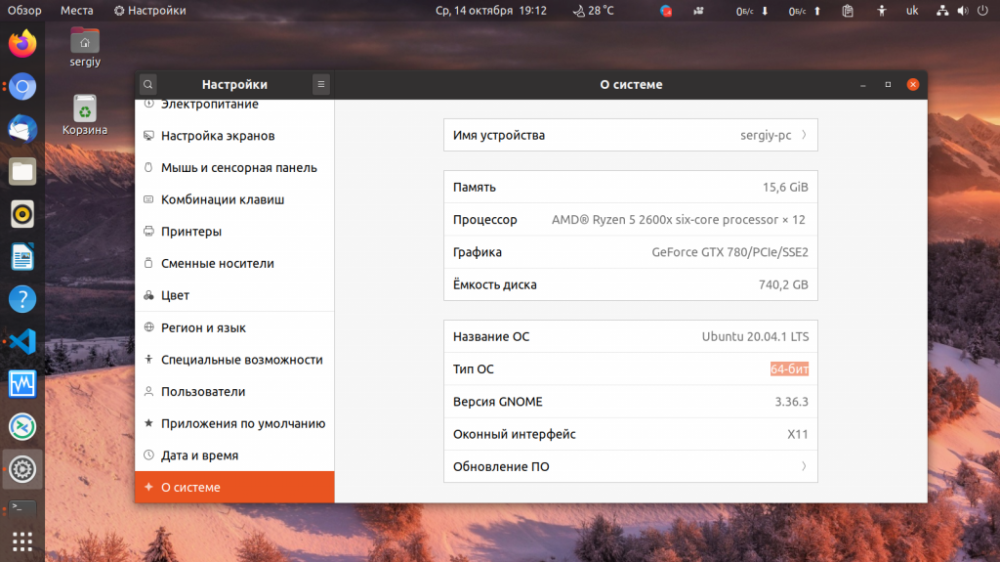
One of the items indicates the system's bitness. Please note that if the system is x64, it is able to run all applications that are designed to work with x32-bit OS. But if the OS is x32-bit, it will not be able to run x64-bit programs.