




















































The figlet command in Linux is used to create ASCII art from plain text. When you run the figlet command with text as an argument, figlet converts that text into ASCII art and displays it on the command line. ASCII art is a graphical representation of text using ASCII characters that are rendered in a variety of styles and fonts to create spectacular headlines, banners, or decorative text elements.
What does the command do?
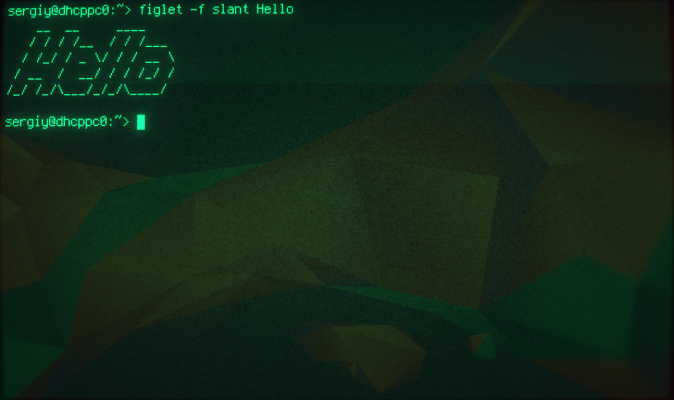
The figlet command has various options and arguments that allow you to customize the style and font of the ASCII art. With these options, you can change the size and position of the text, select a specific font, and adjust the color and other effects. The figlet command can be used for a variety of purposes such as creating text message decorations, designing headers in scripts, or simply to decorate the command line.
How to install
In Linux, to use the figlet command, you must install it using your distribution's package manager. Below are examples of how to install the figlet command on some popular distributions:
For Ubuntu and Debian:
sudo apt-get install figletFor Fedora:
sudo dnf install figletFor CentOS and RHEL:
sudo yum install figletOnce figlet is installed, you can use it to format text on the command line.
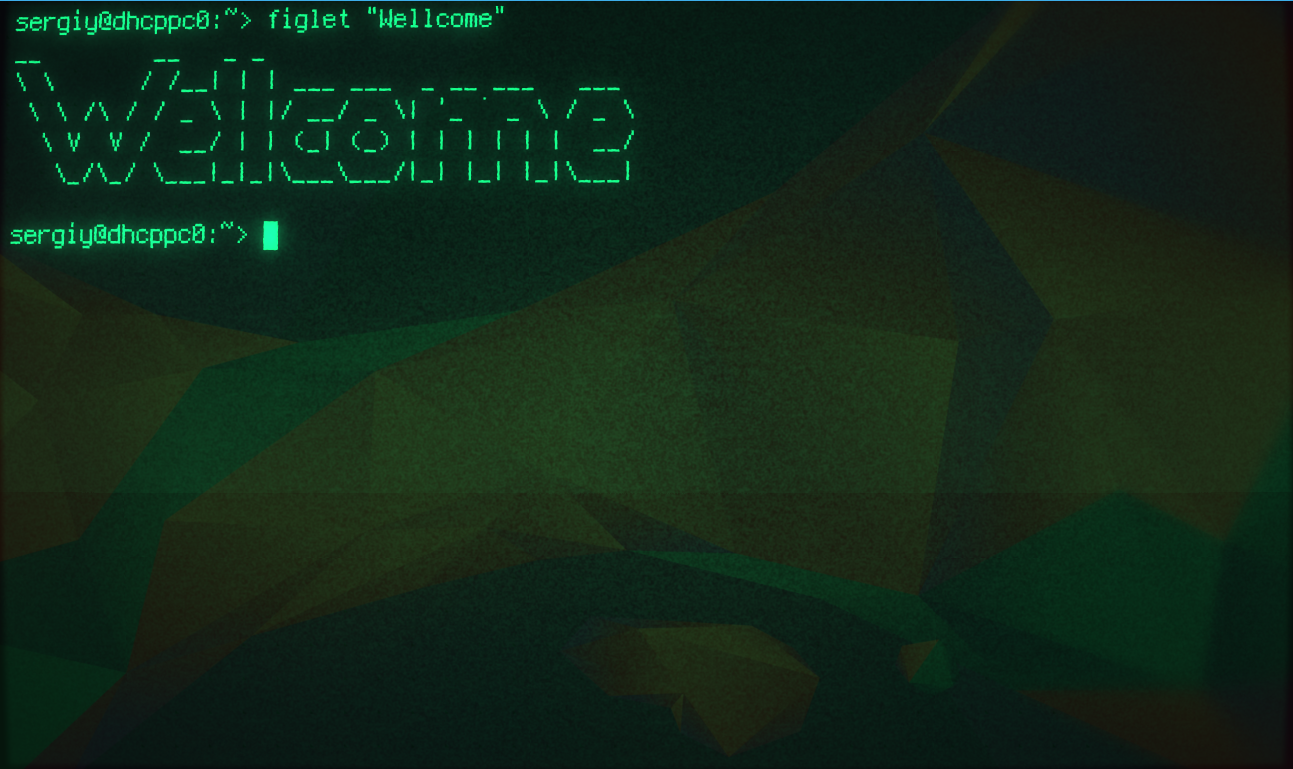
Example usage:
figlet Hello World!Running this command will generate the ASCII art for the phrase "Hello World!". You can also use various figlet options and arguments to change the style and font of the ASCII art.