




















































24.08.2023
23:38
The
sl in Linux/Unix operating systems is an interesting and unusual command that serves to entertain and practice command line skills. What the sl command does
When you type the
sl command in the terminal, an animation of a train appears as it travels horizontally across the screen. This command is commonly used to defuse and have a fun "pause" in your terminal activity. 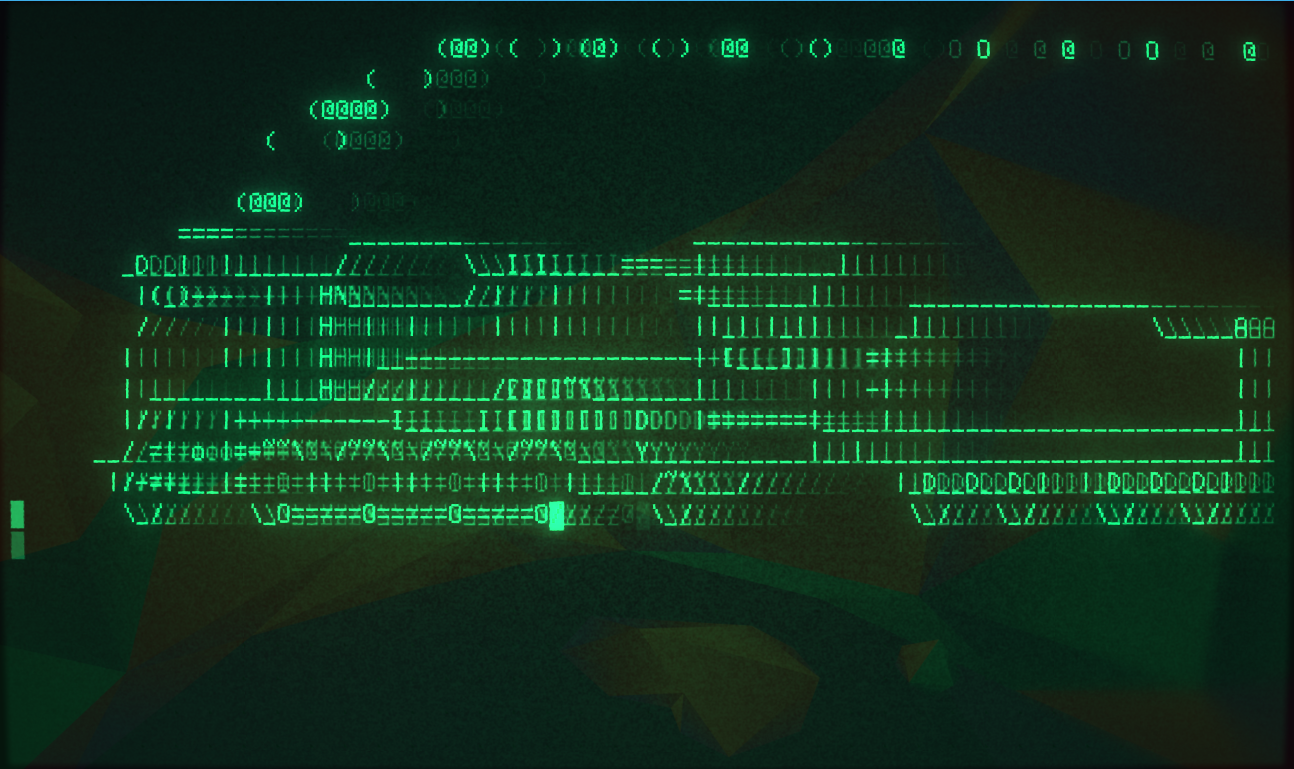
Although
sl is frivolous, it can be a useful way to check if the command line is working properly and to display information about the current user. If you accidentally type sl instead of another command, you can quickly abort the command by pressing Ctrl+C. Although the sl command doesn't have any real practical applications, it can bring a smile and amusement to the command line.
20% OFF for new server order in any country!
A reliable server for your projects at an affordable price.
Other articles
24.08.2023
2 938
Knowledge base / Commands
24.08.2023
16 915
Knowledge base / Instructions
24.08.2023
9 046
Knowledge base / Decoration