




















































20.08.2023
19:00
Not so long ago, a Fallout-style terminal became available on Linux. It looks pretty good and interesting. Next we will tell you how to install it.
Installation process in Linux
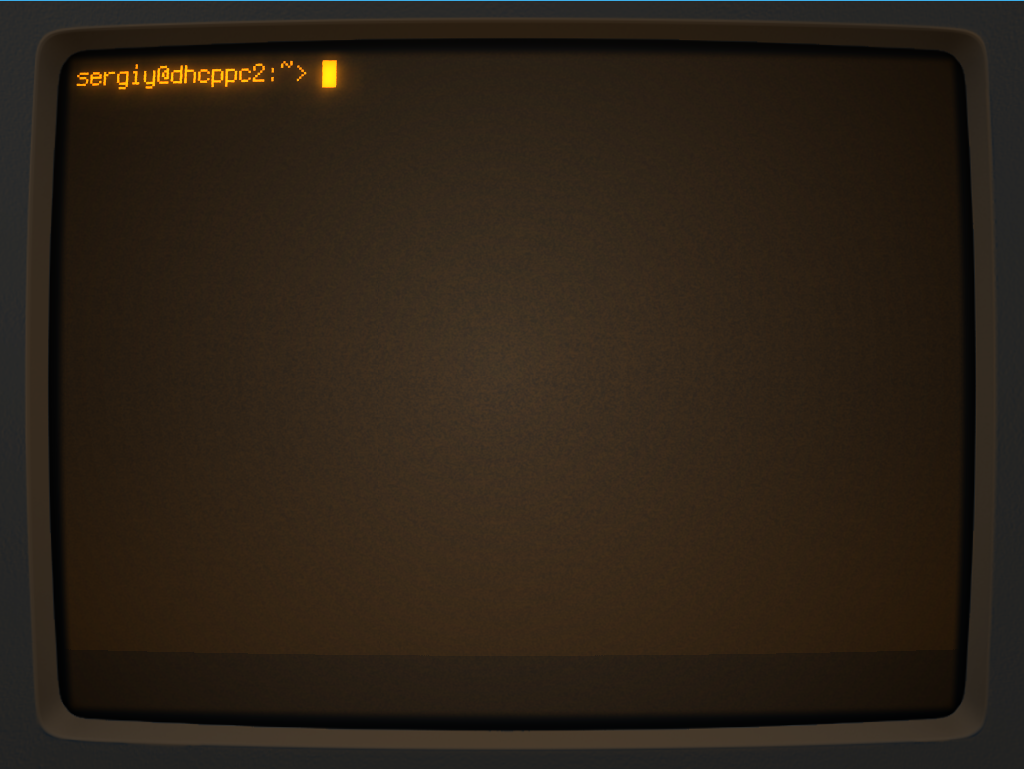
To install in Ubuntu you can use PPA repository:
sudo add-apt-repository ppa:noobslab/apps
$ sudo apt-get update
$ sudo apt-get install cool-retro-term
In OpenSUSE, the package is available at software.opensuse.org. Once the installation is complete, you can run the program with the command:
cool-retro-termIt may not be the most suitable thing for regular work, but it's fun and relaxing, and very reminiscent of the computer terminal in Fallout.
20% OFF for new server order in any country!
A reliable server for your projects at an affordable price.
Other articles
20.08.2023
84 923
Knowledge base / Commands
20.08.2023
34 857
Knowledge base / Commands
20.08.2023
27 407
Knowledge base / Commands