




















































Bots are special Telegram accounts created to automatically process and send messages. Users can interact with bots using messages sent through regular or group chats. Through a Telegram bot it is easy and convenient to interact with various services, in particular with THE.Hosting. After subscribing to the bot and a little customization, you will be able to receive notifications about overdue services and many other useful information.
How to subscribe to the bot
The process of setting up a Telegram bot will not take too much time. It is necessary to perform only a few simple actions.
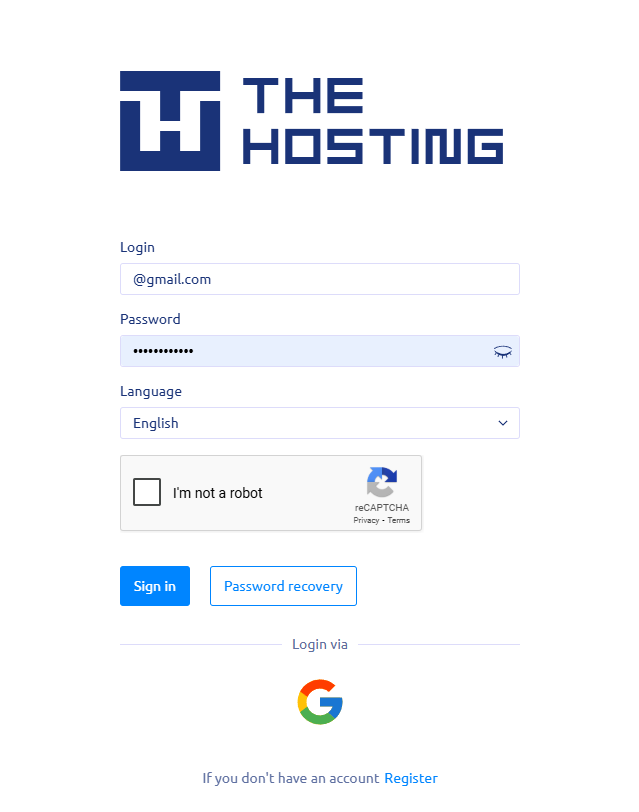
First of all, go to the authorization page in Billing Manager. Enter your login and password or authorize through your social network account - VK, Google or Facebook.
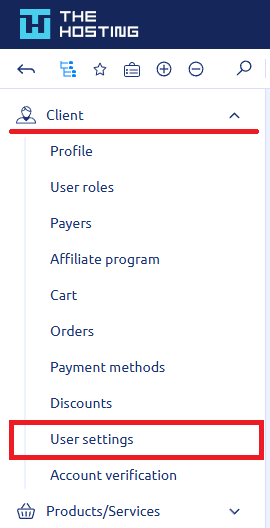
After successful authorization, the main screen will appear, where in the "Client" section you need to go to "User Settings".
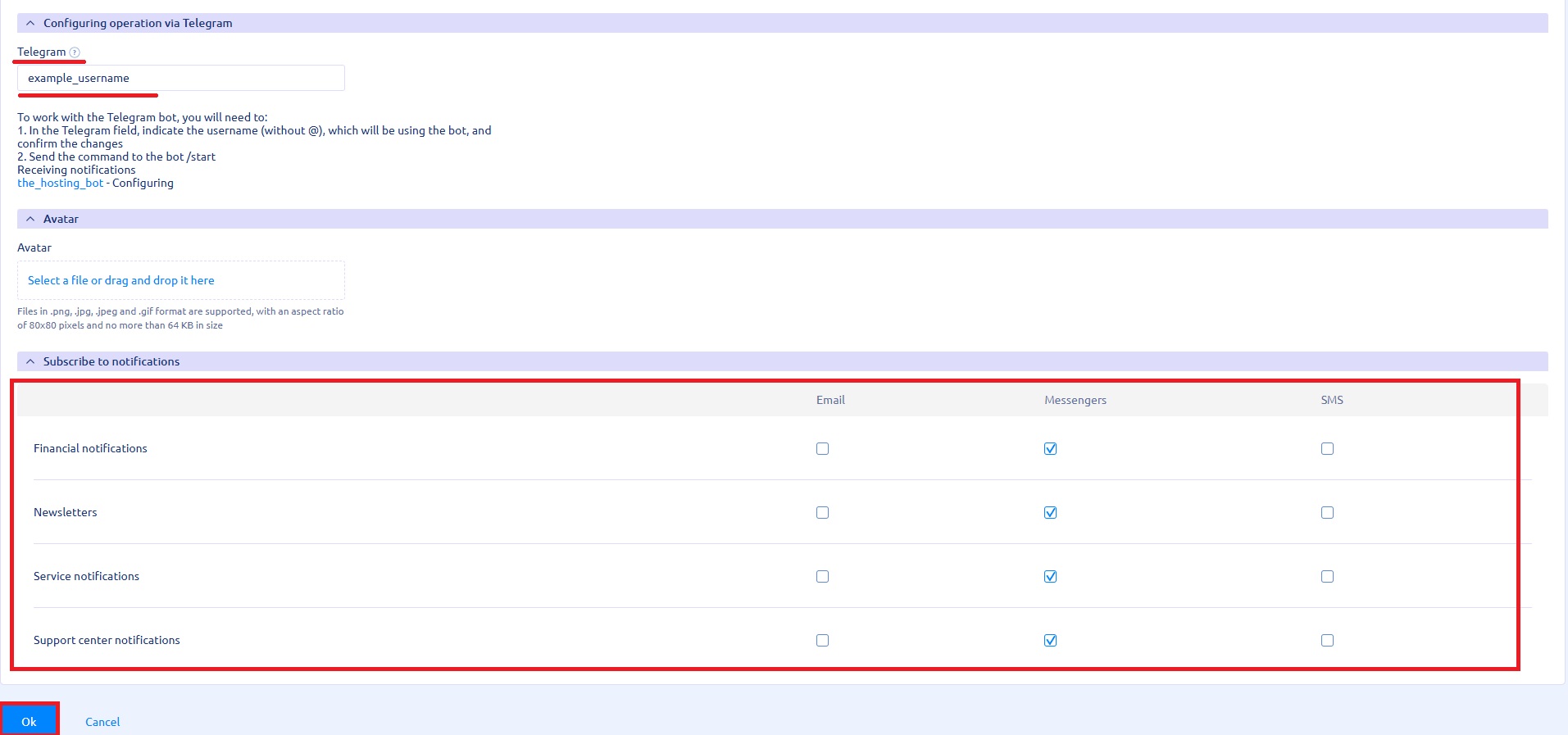
Go down to the "Notifications Settings" section and in the field for Telegram login enter the username (without @), which will receive notifications, and confirm the changes. You can find out your username by going to the Telegram settings on your PC or smartphone.
Here you can also configure what kind of notifications you want to receive in your Telegram - financial, news notifications, information on services or from the customer support center.
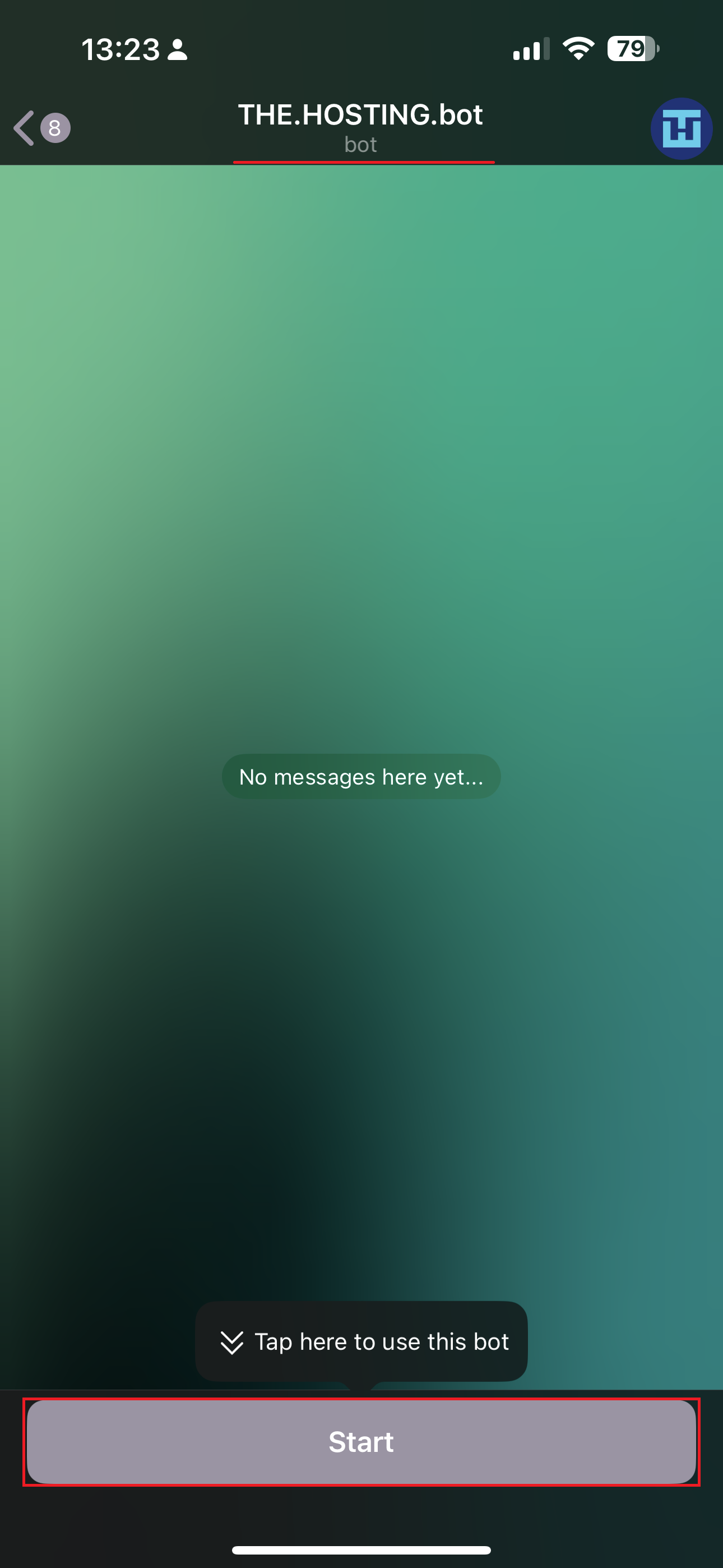
Now you just need to open the messenger and launch THE.HostingBot.
1. Click on "Start".
2. Click on "Sing In".
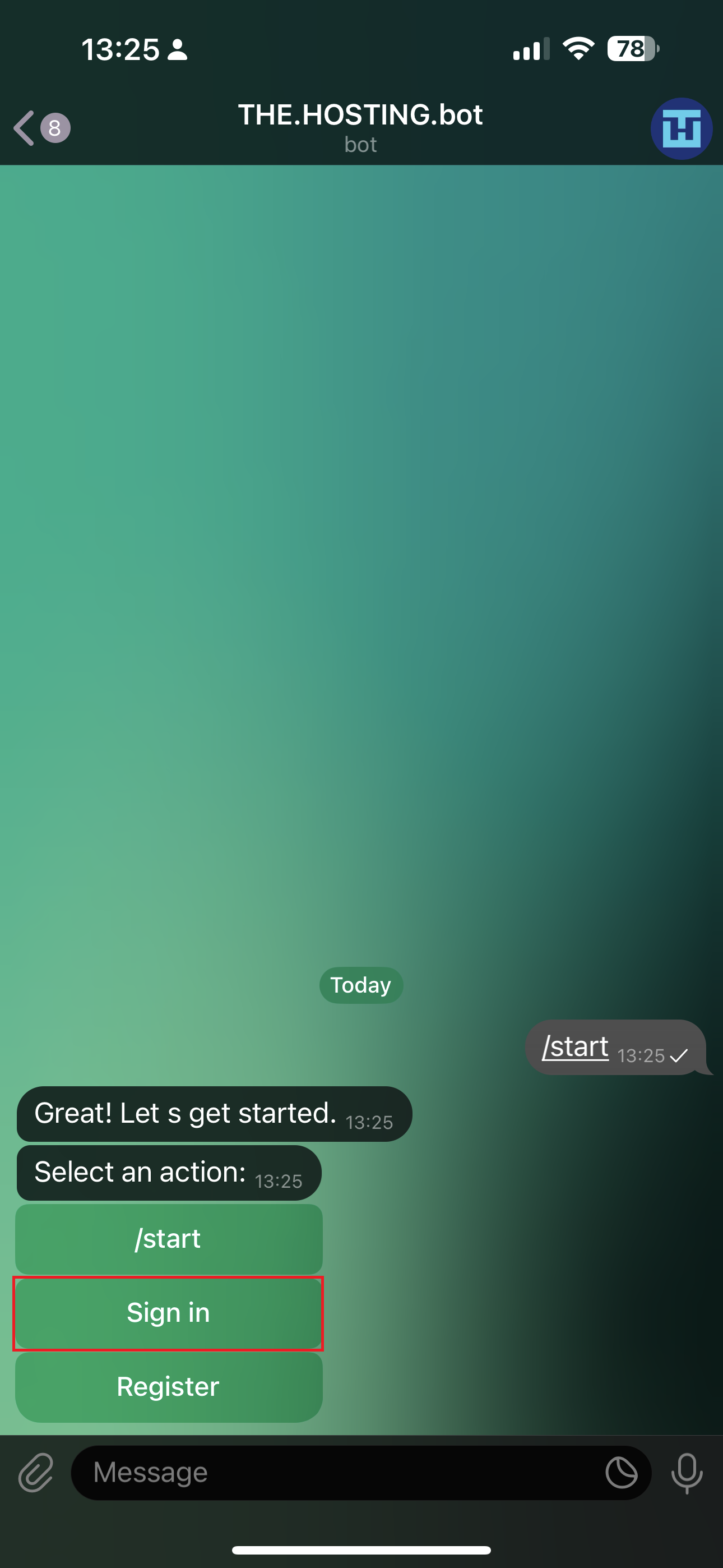
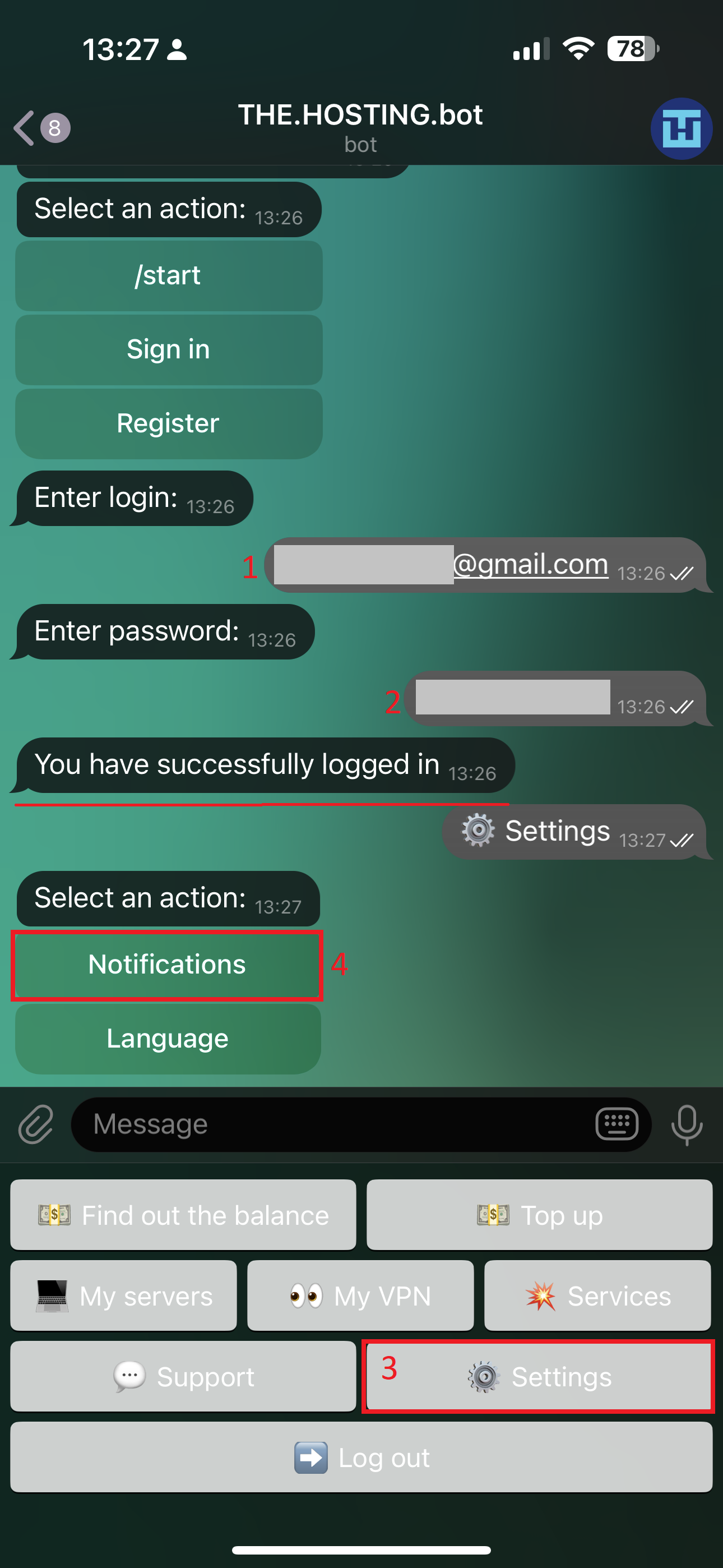
3. Please log in.
4. Click on "Settings".
5. Select "Notifications."
5. Click "Enable notifications."
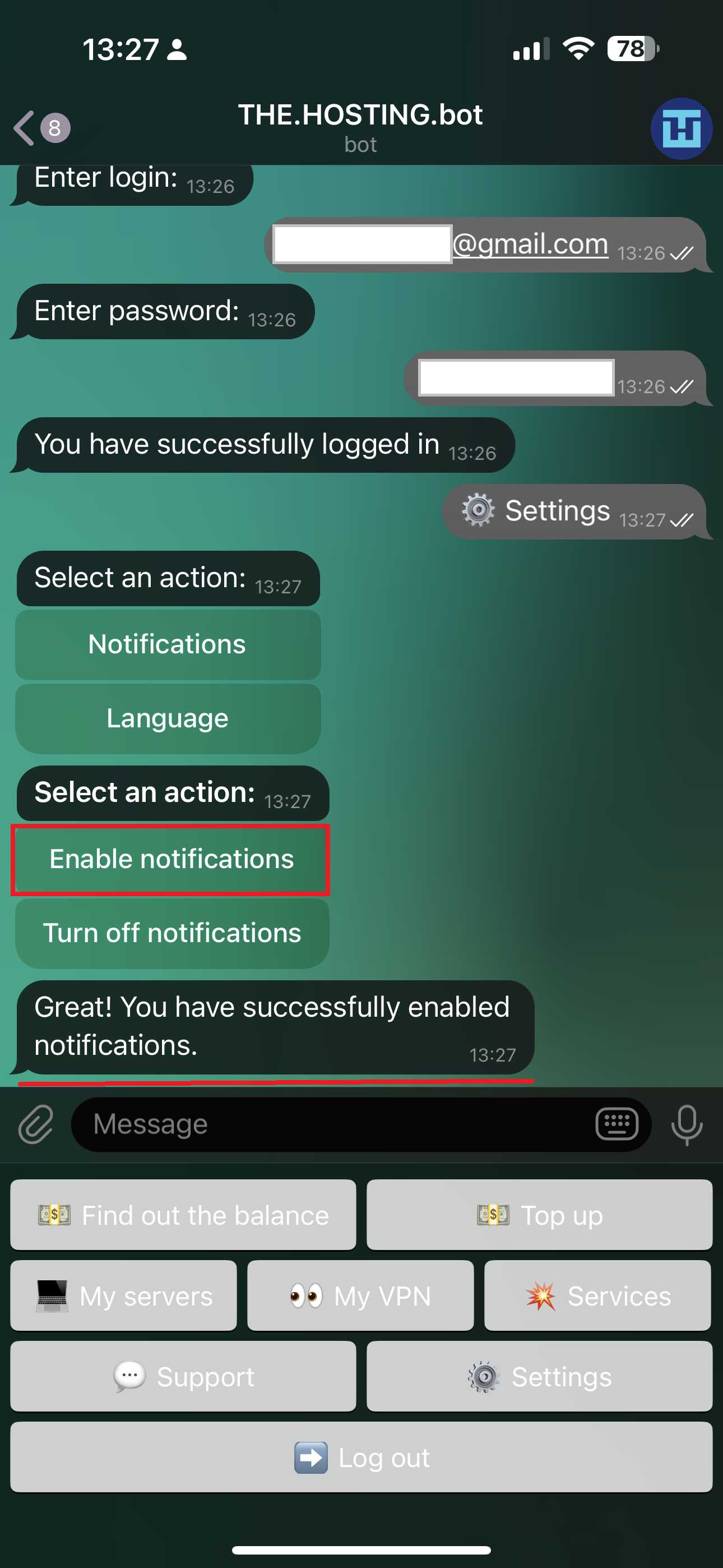
Now you will receive all important information from billing, you will not miss important news, THE.Hosting updates and you will always be up to date.