




















































Surely every user has heard about such a program for creating VPN networks on Windows as Hamachi. It has proved itself first of all among computer games: the program allows you to play various computer games over a local network. But in fact, the utility's functionality is much wider. It can create a whole virtual network on the Internet between several computers, for example, with its help you can create and configure SSH, VNC, NFC. There is a version of the program for Linux, though they have a console view, but you can still work.
How to install Hamachi in Ubuntu
First, go to the official website of the software manufacturer and download the latest version. Under Ubuntu you need a deb package.
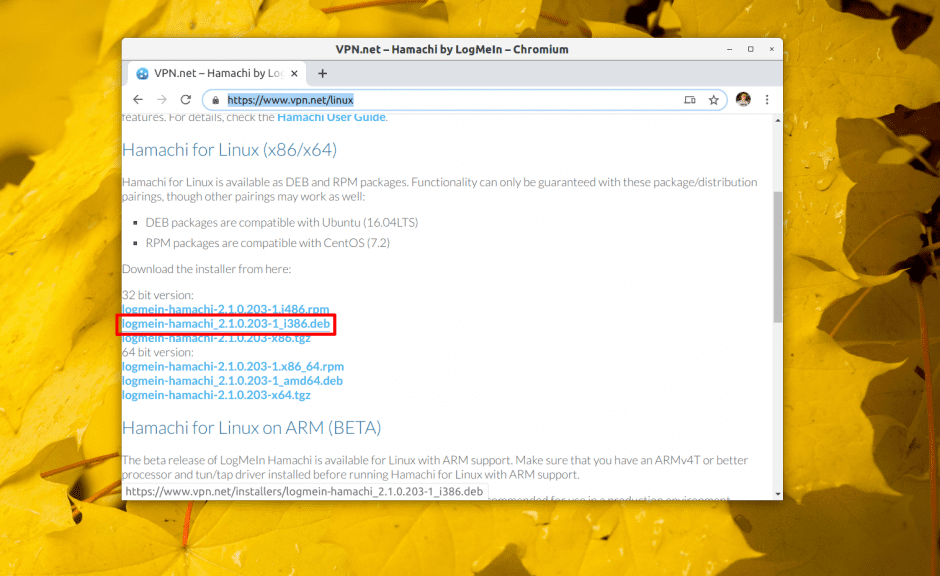
To install the obtained package, use the dpkg command:
$ sudo dpkg -i ~/Загрузки/logmein-hamachi_2.1.0.203-1_i386.debThis can also be done through the "Application Center". Open the deb package by double-clicking in the file manager and click "Install".
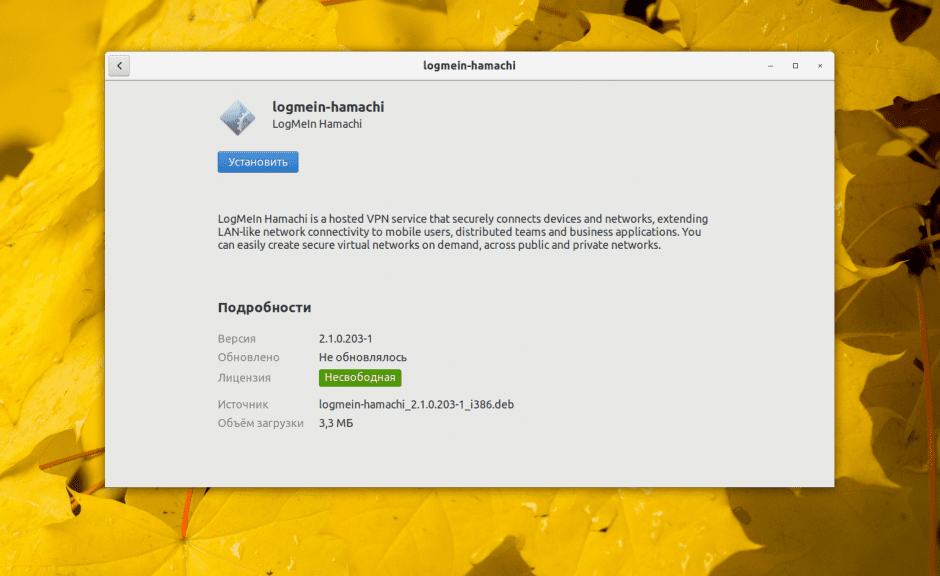
The next step is to wait for Hamachi to be installed.
Configuring Hamachi
In order to start the service, run the command:
$ sudo systemctl start logmein-hamachiThe program is console-based, which means that you will have to work with it using console commands. The full list of these commands can be found by executing:
$ hamachi –hA brief list of the main options:
eave- leave the network;go-online- set online status in the network;go-offline- set offline status in the network;attach- connect your Logmein account to the program.set-nick- set your nickname;login- automate and connect to the configured networks;logout - logout of all networks;list- list of configured networks;create []- create a new network;- create
[]- create a new network; set-pass []- set network password;set-access [lock|unlock] [manual|auto] - set the mode of connecting new users [locked/unlocked][manual/automatic];delete- delete network;reject- delete user;join []-jointhe network.
As you can see, installing Hamachi is not a complicated task. It is enough to follow the simple instructions. To add the program to the autoloader, run the following command:
$ sudo systemctl enable logmien-hamachiAt the end, we will briefly tell you how to configure the program. Create a file h2-engine-override.cfg - it specifies the desired value. The user can also change Hamachi settings by editing files in the /var/lib/logmein-hamachi folder.