




















































It’s common to have several websites, email, databases, and other applications running side by side on a single virtual server. Add routine tasks like issuing SSL certificates and creating backups, and managing everything through the command line can quickly become time-consuming. Control panels like CyberPanel are designed to solve this problem by simplifying administration and giving you centralized control over the entire server.
What CyberPanel is and what it’s suitable for
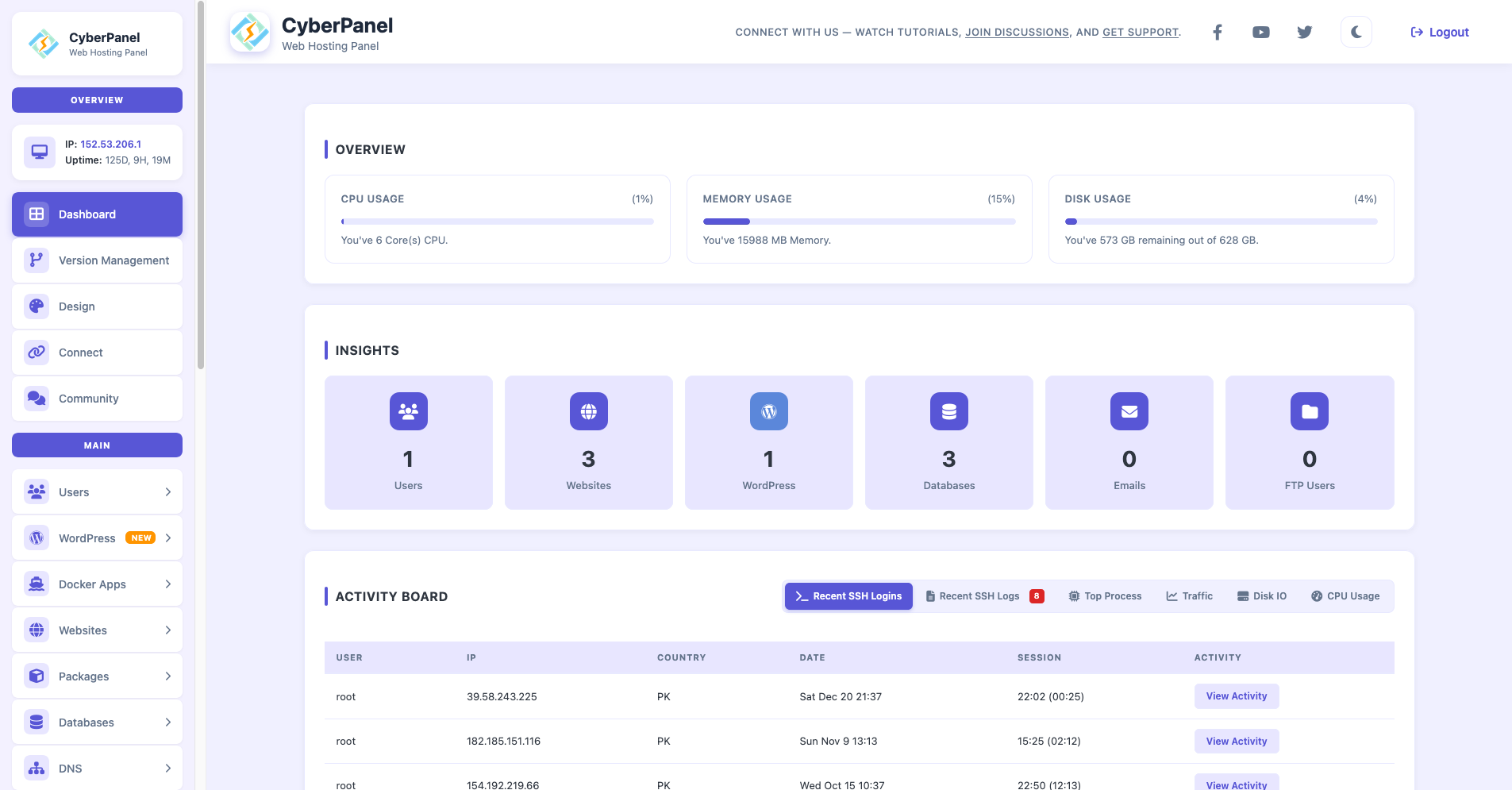
CyberPanel is an open-source hosting control panel built to work with the OpenLiteSpeed and LiteSpeed Enterprise web servers. It provides a user-friendly interface for managing websites and services, while the LiteSpeed family of web servers acts as the core of the web stack.
Most often, CyberPanel is installed on a VPS when you need to quickly deploy multiple sites, assign access, keep everything under control, and avoid assembling each component manually. It’s not a “magic pill” that removes the need to understand server basics, but for typical scenarios it can significantly speed up everyday work.
Core CyberPanel features: what you get out of the box
CyberPanel offers a solid set of features that covers most standard server tasks:
— creating and managing websites and domains;
— databases (MySQL/MariaDB);
— email and DNS;
— issuing and renewing SSL certificates;
— backups;
— PHP version management;
— server monitoring and basic security tools.
It’s important to note that a control panel simplifies management but does not replace a system administrator. OS updates, firewall rules, access policies, and backup strategies still remain the admin’s responsibility.
CMS and quick start: where CyberPanel saves time
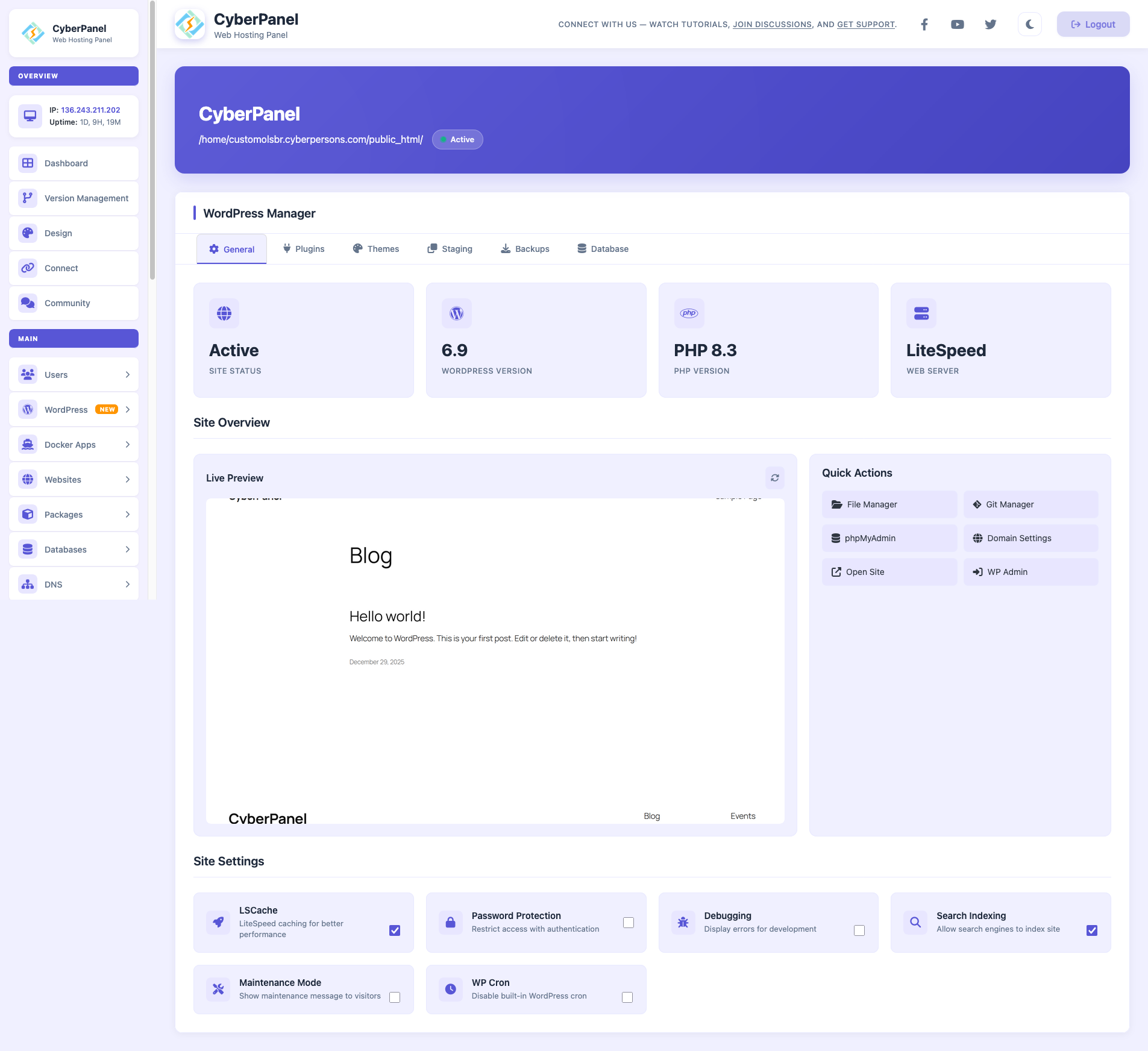
CyberPanel is often chosen for its ability to bring sites online quickly. The LiteSpeed documentation emphasizes a one-click approach: installing OpenLiteSpeed, WordPress, LSCache, and a number of popular CMSs, along with automating initial setup for components like email and DNS.
If you deploy sites on a regular basis, this workflow is genuinely convenient. It significantly reduces repetitive manual work and lowers the risk of configuration errors.
Performance and caching: what LSCache brings to the table
In the LiteSpeed / OpenLiteSpeed stack, LSCache plays a key role. It’s a built-in mechanism for accelerating dynamic content and is described by LiteSpeed as a high-performance integrated caching solution. Many real-world optimization scenarios are built around it, especially for WordPress.
That said, effective acceleration requires careful tuning. You need to understand which pages can be cached, which should bypass the cache (such as carts or user dashboards), and how plugins and themes behave. The panel helps you enable the necessary tools, but it doesn’t replace thoughtful configuration.
Do you need LiteSpeed Enterprise, or is the free version enough?
Here the distinction is fairly straightforward. The differences are most noticeable in use cases that require maximum Apache compatibility and smoother handling of .htaccess files.
LiteSpeed Enterprise can automatically apply .htaccess changes without restarting the server. OpenLiteSpeed supports rewrite rules but not the full set of Apache directives, and configuration changes typically require a reload.
As a result, a paid license is usually justified in environments with many sites, strict compatibility requirements, and frequent rule changes. For one or two projects that don’t change every day, the free OpenLiteSpeed version is more than sufficient.
Who CyberPanel is best suited for
CyberPanel tends to work especially well for three main use cases:
1. Personal or small VPS projects where you want a clean, modern panel without paying for expensive licenses.
2. Small teams and business websites where ease of use, quick maintenance, and predictable operation matter.
3. Collections of sites for different purposes (content projects, landing pages, test environments) where fast deployment and a unified interface are key.
Overall, CyberPanel is a solid choice if you want to manage VPS-hosted websites through a clear, accessible interface while benefiting from the LiteSpeed ecosystem: a fast web server, built-in caching, straightforward SSL management, and the standard services expected from a hosting environment.