




















































IDLE or Integrated Development and Learning Environment refers to an integrated development and learning environment, that is, it is an integrated development environment for the Python language. The main plus of IDLE is syntax highlighting, autocomplete support, and a built-in debugger. It comes with Python and can be used on many platforms including Windows, Mac OS, Unix and similar operating systems. Next, let's look at installing this IDLE on Ubuntu 20.04 operating system and running the first program.
Installing IDLE Python in Ubuntu 20.04
Before starting the installation, you should update the package index using the command:
$ sudo apt update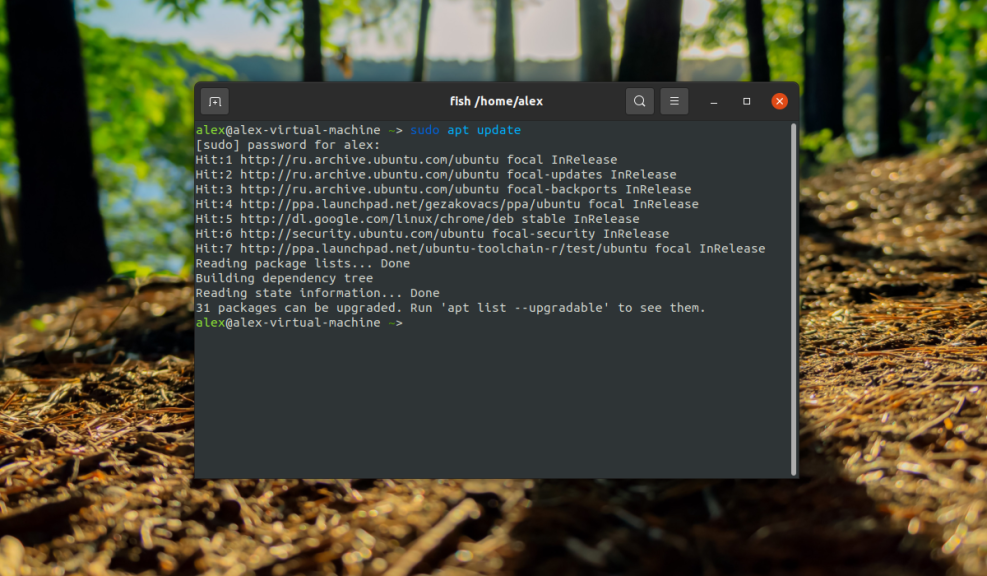
Since the Python programming language interpreter is already installed in Ubuntu 20.04 initially, we can proceed to install IDLE itself by running the command:
$ sudo apt -y install idle3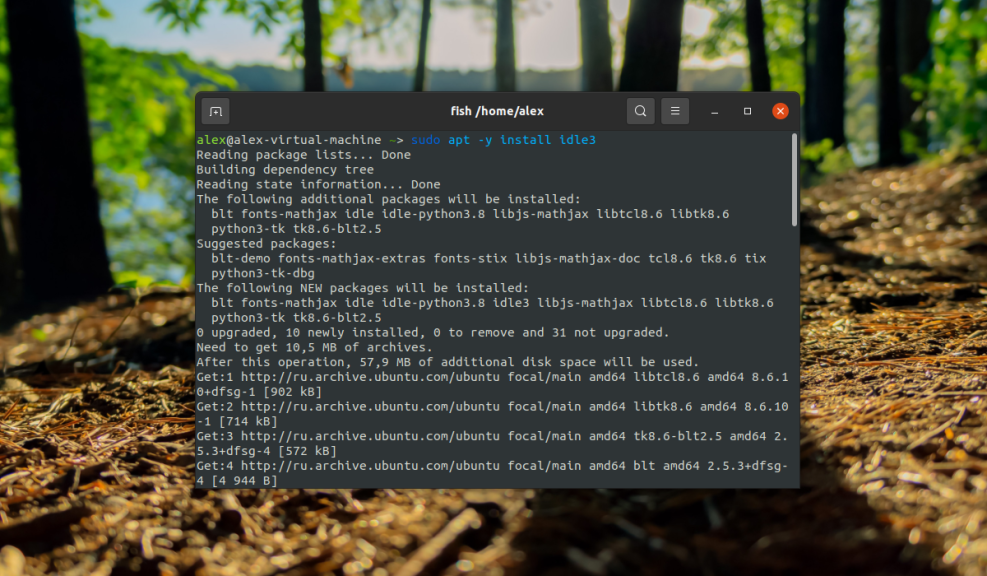
There are 2 ways torun IDLE. The first way is to run it from the terminal by typing the following command
$ idle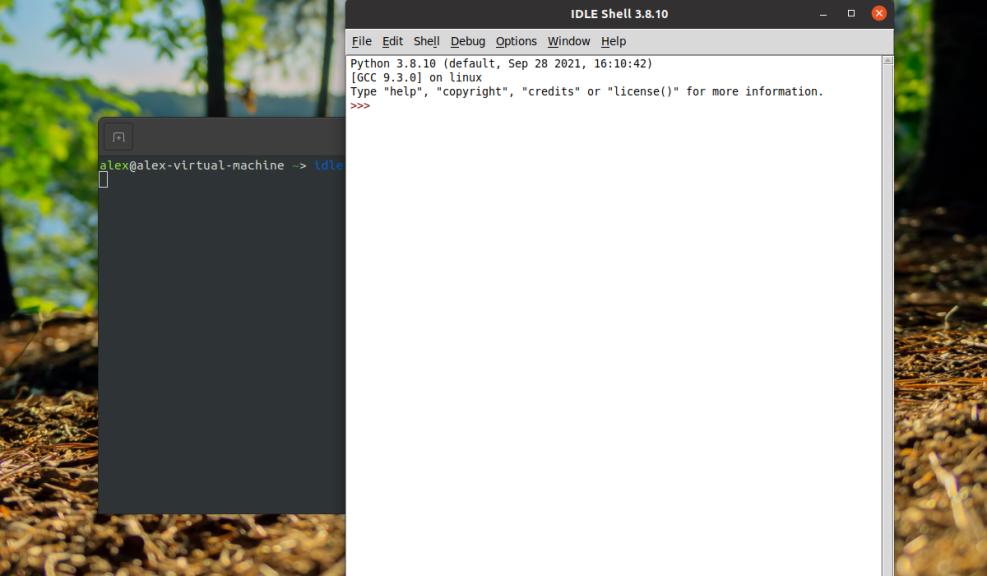
The second way is to launch it using a shortcut from the applications menu:
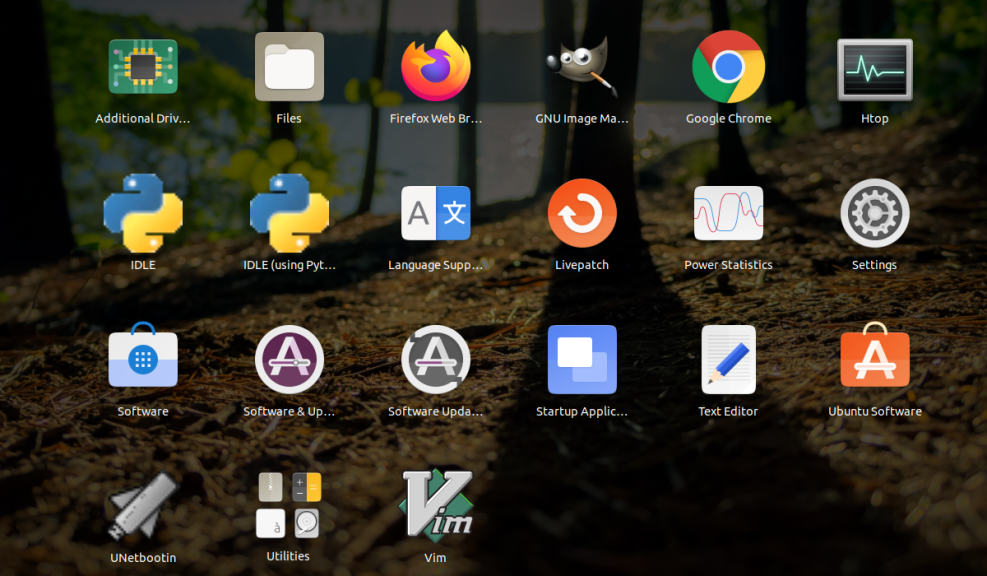
Creating the first program
Now we can launch IDLE in any way and execute the command in the interpreter window:
$ print ("Первая программа созданная в IDLE!")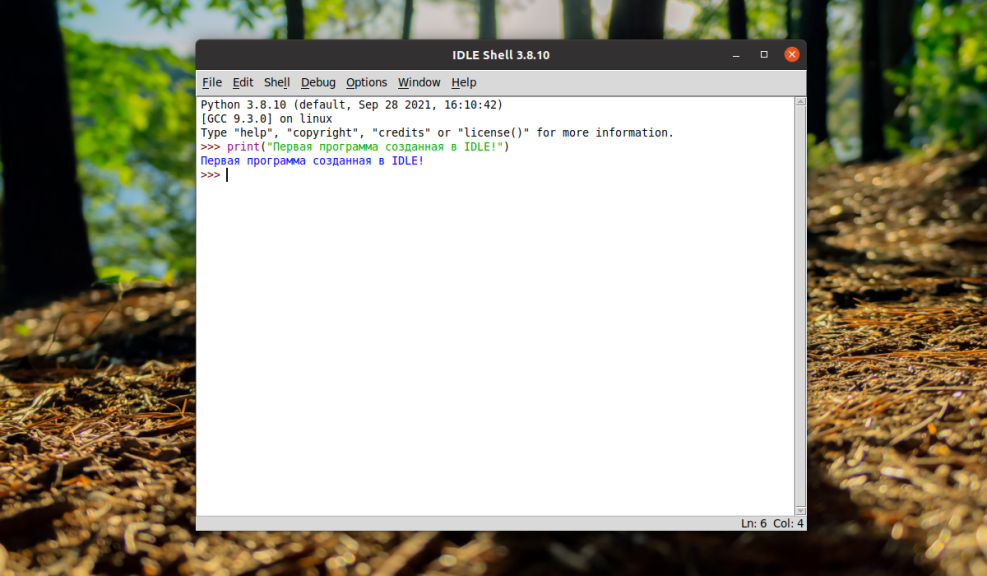
Then press Enter and the terminal will display the phrase - First program created in IDLE
We have considered installation of IDLE in Ubuntu 20.04 and also showed writing the first program that outputs a string to the terminal.