




















































A table in MySQL in Linux is a structured data set containing information organized in rows and columns. Each column has its own data type defined when creating the table, for example, VARCHAR for text data or INT for integer data. We described why you should clear the table in the previous article. In this instruction, we will focus on a separate method, namely the use of the DELETE operator.
Instructions on how to use the command
To delete rows from a table in MySQL, you can use the DELETE operator, which allows you to delete records by a certain condition.
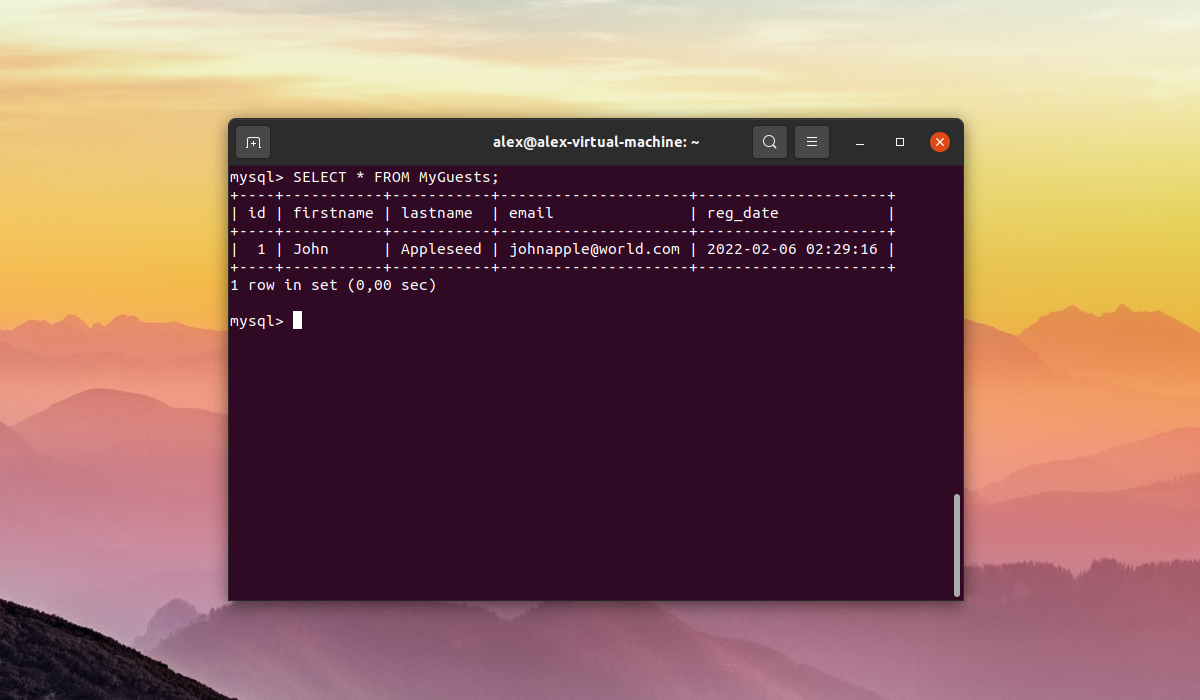
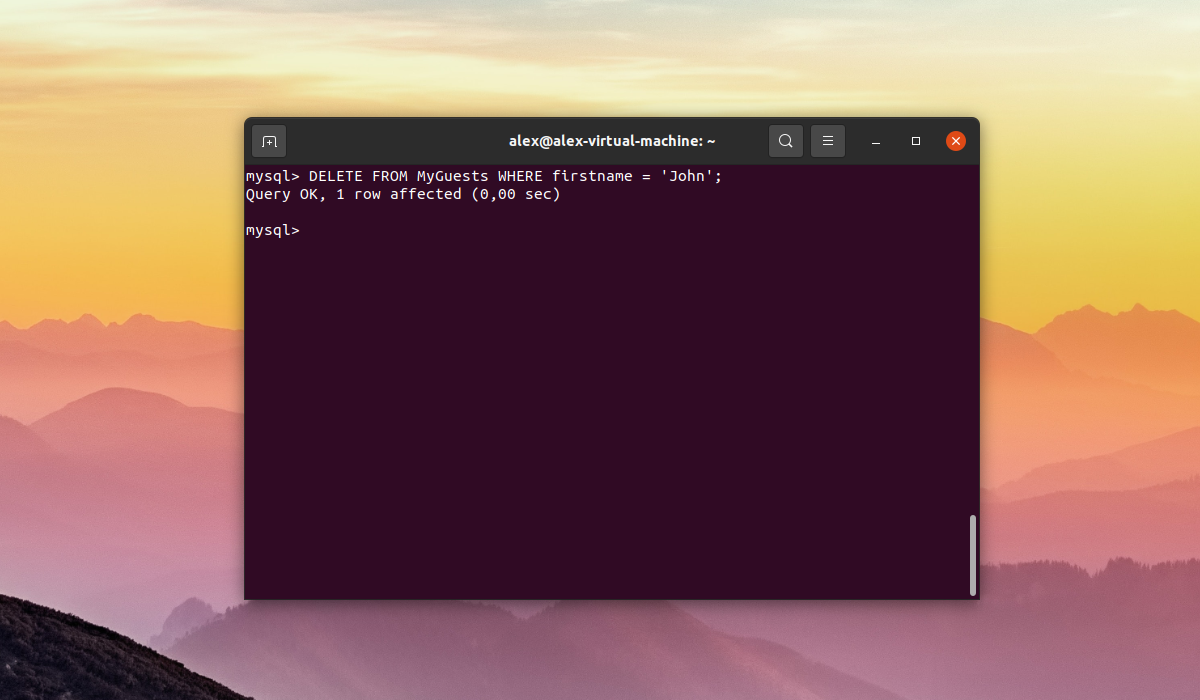
For example, let's say there is a table called MyGuests that contains the user John. To delete a record named John with id equal to 1, you would execute the DELETE statement with the WHERE clause on the firstname column:
DELETE FROM MyGuests WHERE firstname = 'John';The DELETE statement can also be used to delete all records from a table.
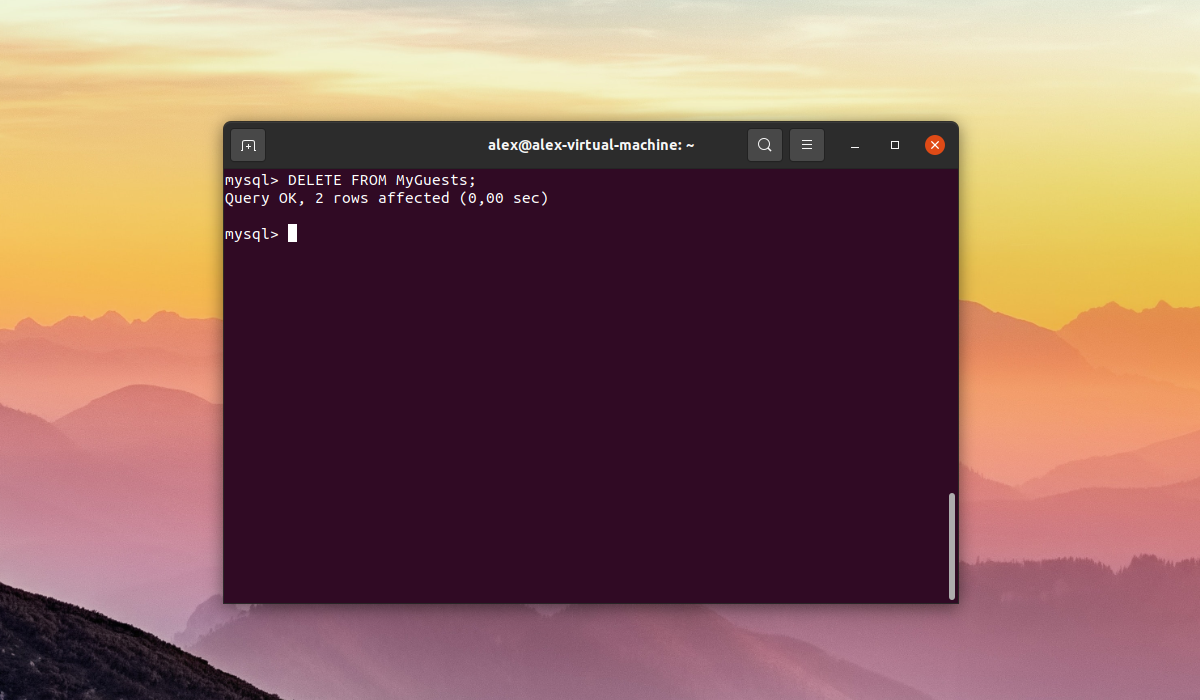
To delete all records, you must execute the DELETE statement without conditions:
DELETE FROM MyGuests;This way you can clean up a MySQL table.
We hope you find this instruction useful.