




















































PHP language in the field of programming is considered one of the most popular languages for creating websites and various web applications. After installing almost any website management system, such as WordPress, Joomla, ModX, there is usually a certain need and need for PHP version functionality. Sometimes you need to find out the PHP version installed on the server. This can be done in several ways, but in both cases you must have access to the server.
Viewing the version in the terminal
To find out the installed version of PHP in the terminal, you must have SSH access to the server. Connect to the server via SSH and run this command:
$ php --versionOr:
$ php -v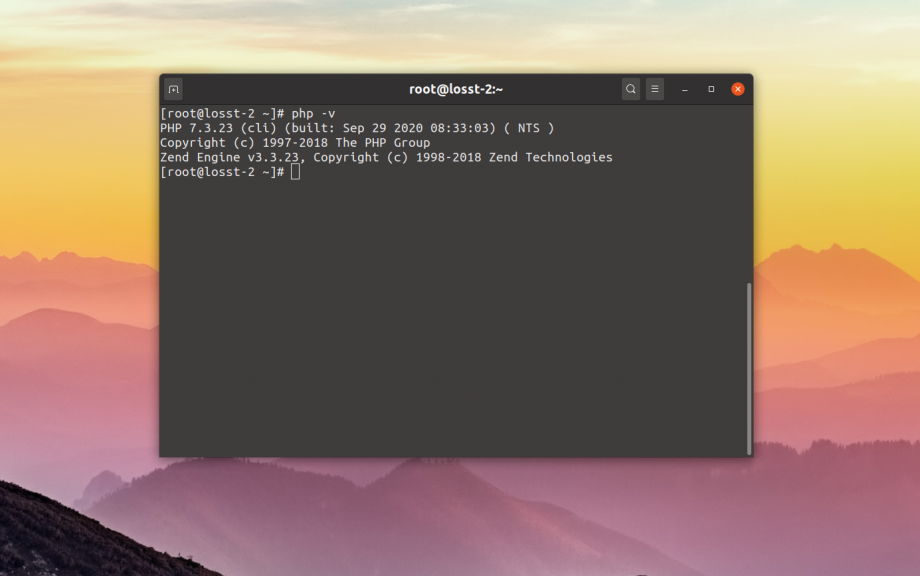
The program will display information about the PHP build and its version. This way you can find out the default version in the console or php-cli. If you are using a server control panel, the panels usually install their PHP versions separately in the /opt folder. To see the version of PHP installed by the panel you need to use a browser.
Viewing versions in a browser
Connect via FTP or SSH to the server and go to the root directory of your site. There create a small script with the following content:
$ vi ~/phpversion.php

<?php phpinfo(); ?>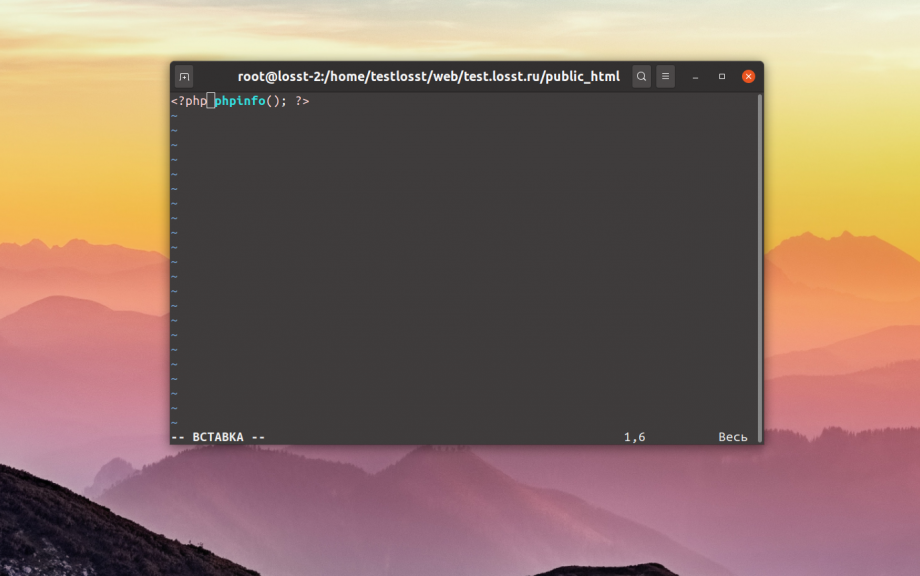
After open open your site and dope in the address bar the address of this file:
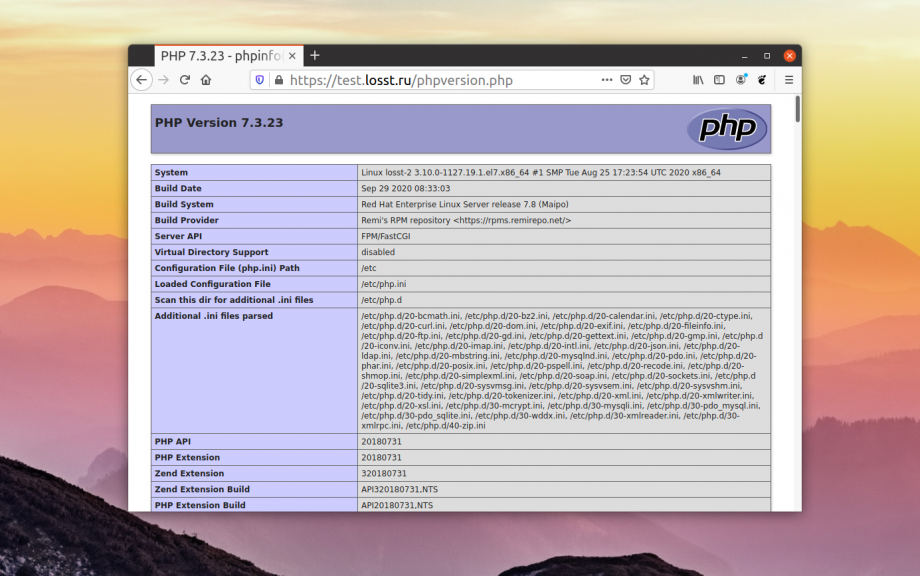
If the command is executed correctly, a huge table with information about PHP and installed extensions will be displayed, and at the very top of the page will be the PHP version.
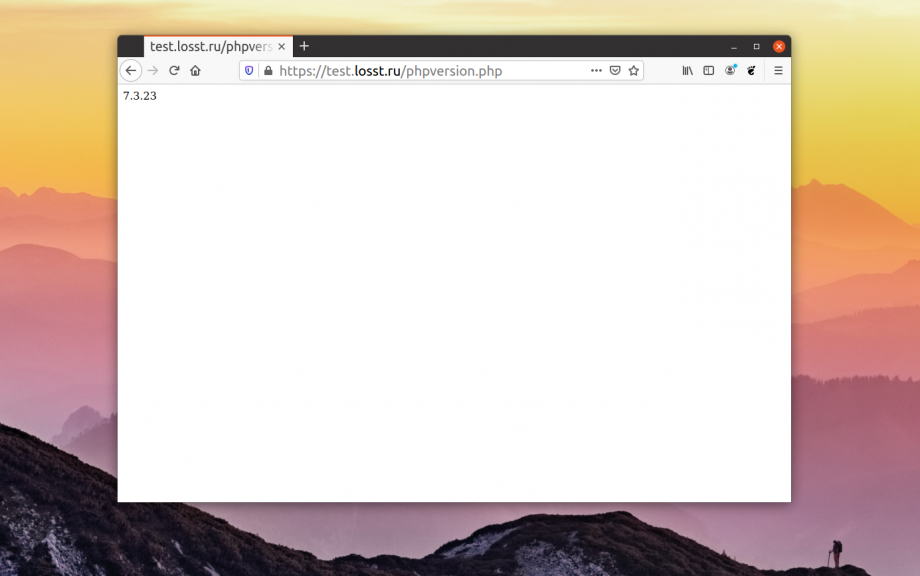
If you don't want to output the whole table with PHP information, you can output only the version using the phpversion function. For example:
$ vi phpversion.php

<?php echo phpversion(); ?>
This will result in the following page:
That's it. Checking the php version is extremely easy and simple.