




















































In standard system monitoring utilities like top or htop, only CPU and memory usage data is displayed. To check how your computer's graphics card is performing, you need to install additional software. In this review, we'll introduce several convenient and reliable tools for monitoring your GPU.
Mission Center
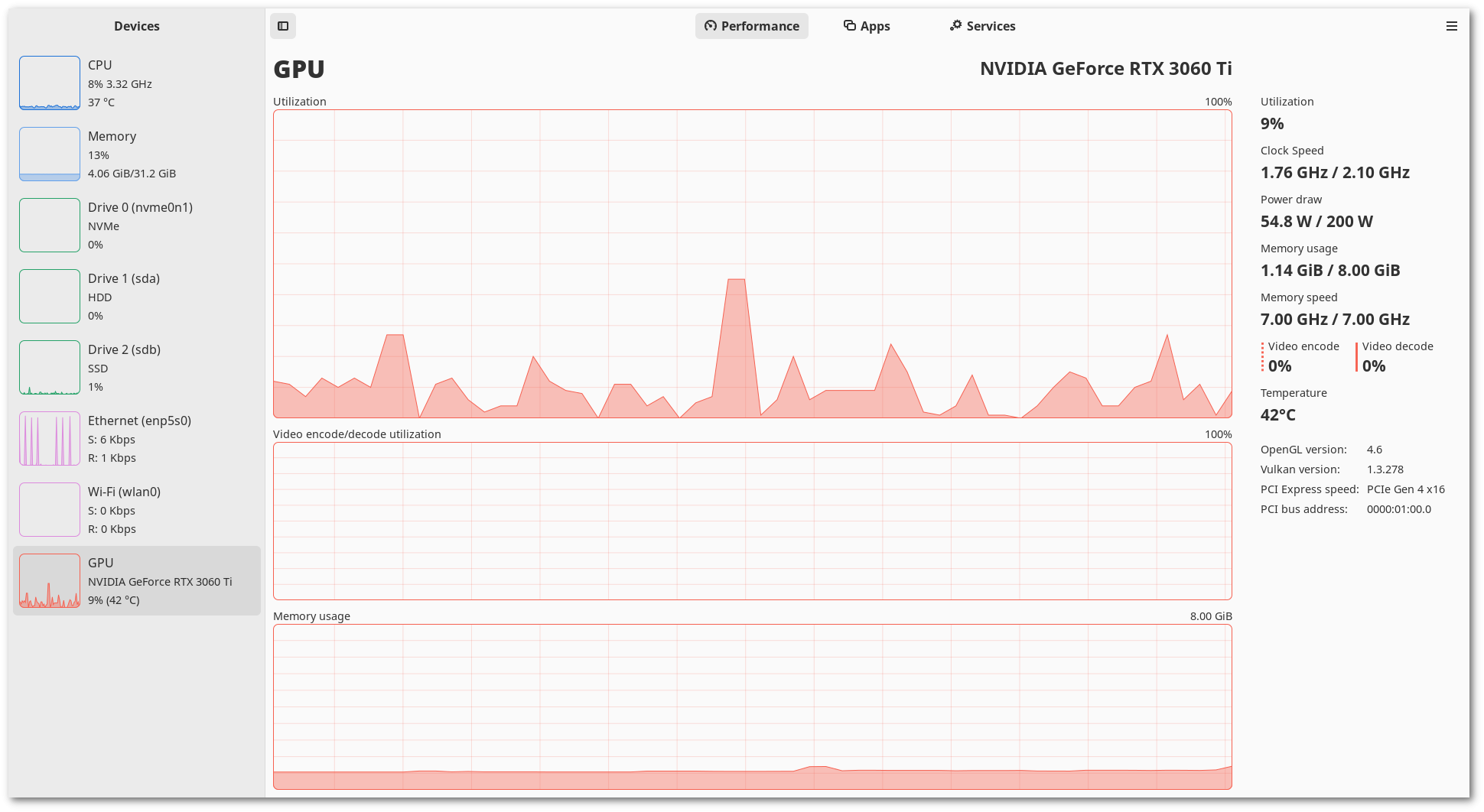
This is an easy-to-use program with a graphical interface. It supports video adapters from all modern manufacturers, so compatibility issues should not arise.
You can install Mission Center as a Flatpak from Flathub or download the AppImage from GitLab. The program is also available in some repositories, like AUR for Arch Linux. For more detailed information, visit the project page on GitLab.
To install via Flatpak (works for all Linux distributions):
flatpak install flathub io.missioncenter.MissionCenterFor Arch Linux:
sudo pacman -S mission-centernvidia-smi
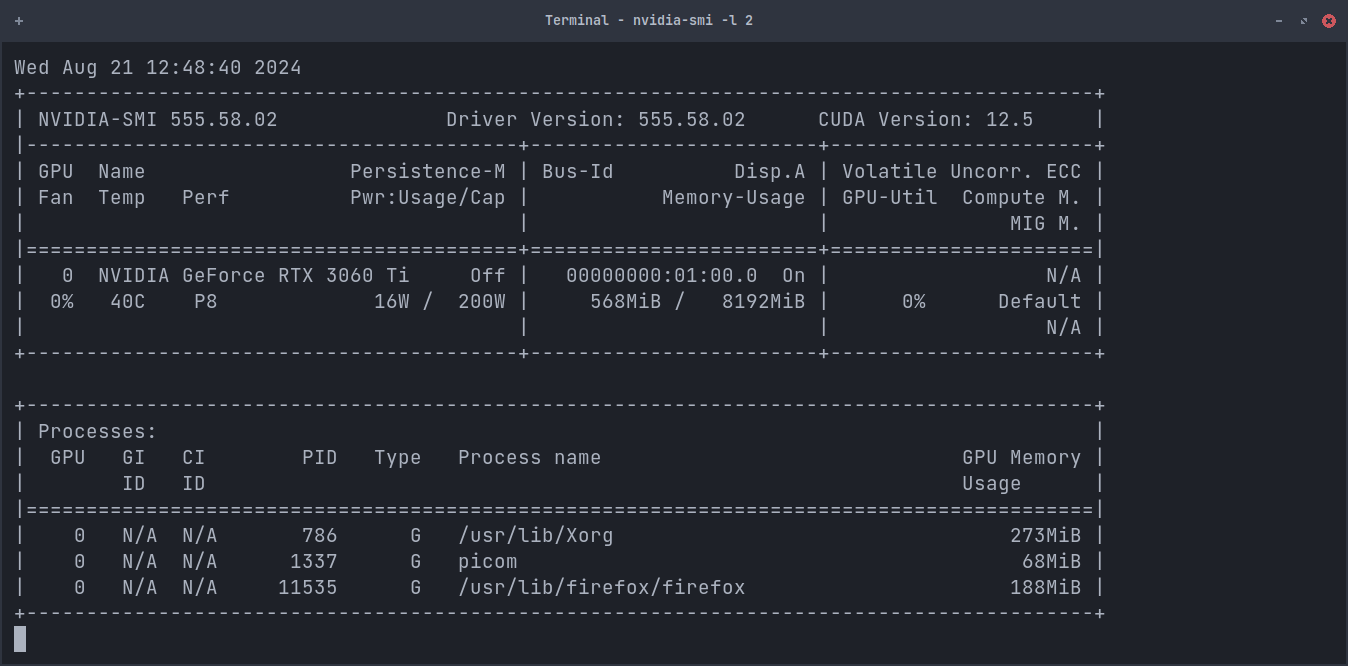
If you have an NVIDIA graphics card, use nvidia-smi. To start monitoring, simply enter the command:
nvidia-smi -l 2This utility is included with NVIDIA drivers, so you don't need to install it separately.
nvtop
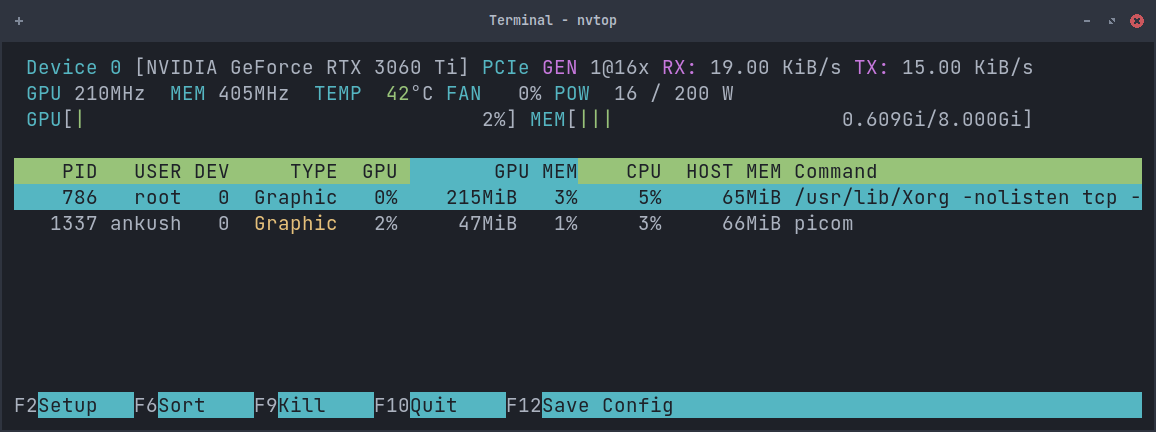
If your GPU is not from NVIDIA or you prefer another tool, use nvtop. This utility is also used in Mission Center.
To install and launch it, enter the following commands:
sudo apt install nvtopgpustat
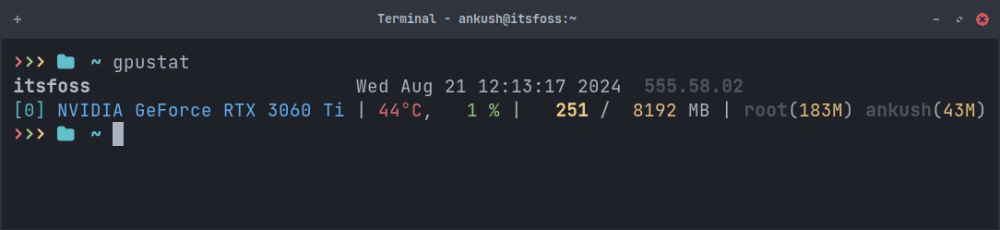
gpustat is a Python-based utility that provides quick data about your GPU's performance. To use it, you need to have pip installed. Also, note that gpustat works only with proprietary NVIDIA drivers.
To install, use the following command:
pip install gpustat